Authenticate
 Manage Users
 Customize
 Auth0 AI
 Platform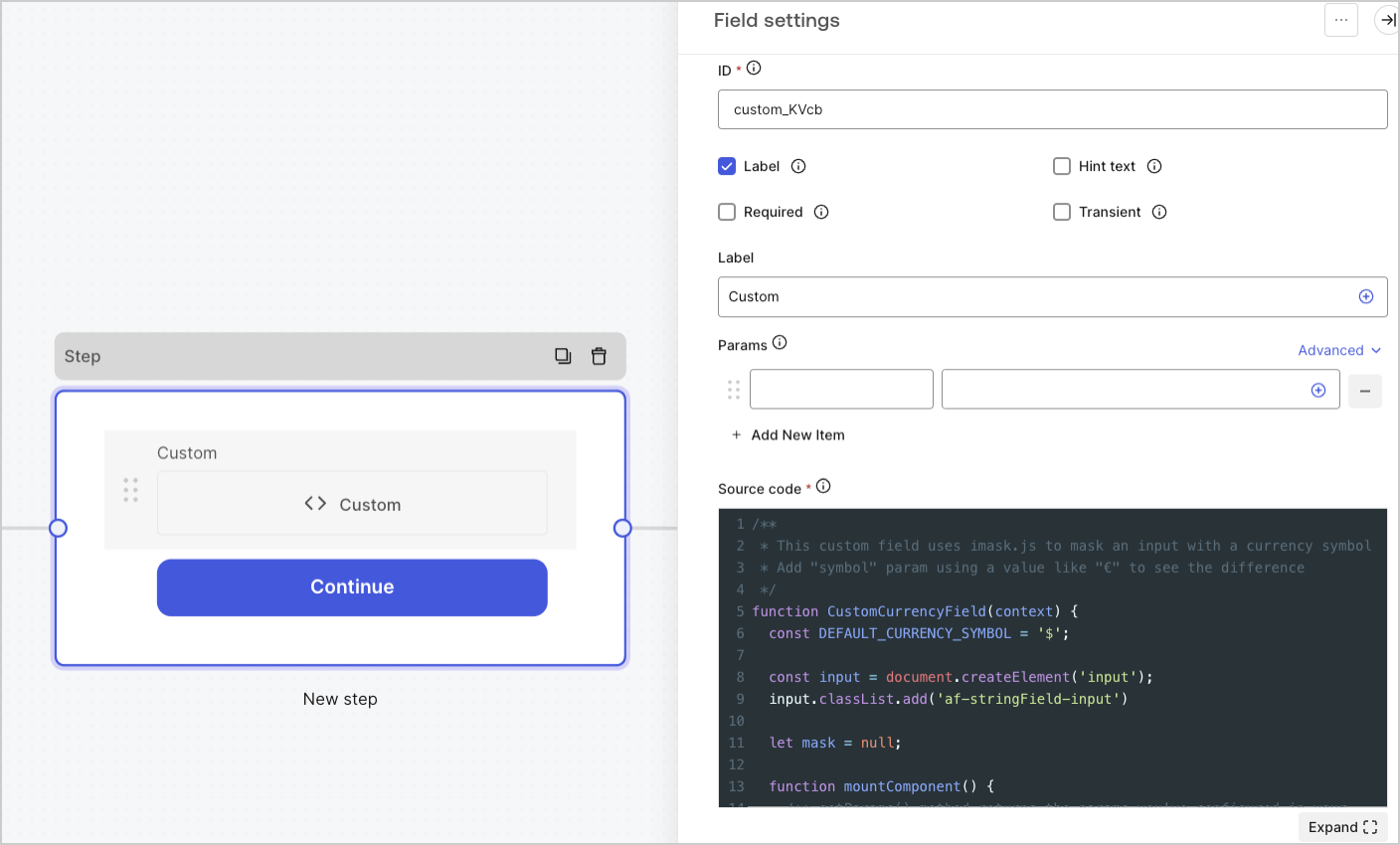
-
Fields with a custom data structure.
- Example: Objects, array of strings
-
Fields that use third-party widgets.
- Example: Google Address autocomplete
- Fields with logic to hide or show other fields.
- Fields that require external APIs to get a value.
Custom field settings
The custom field settings are:Params
Add key-value pairs to reference in the custom field source code. Key-value pairs can include form field variables.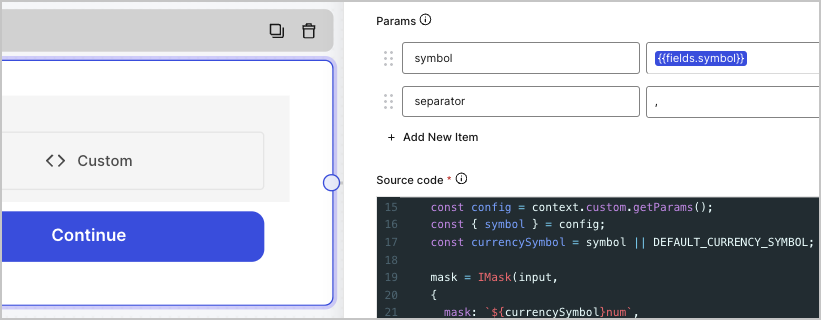
Param values are only available after the form invokes the
init() method.symbol={{fields.symbol}} and separator=,
Source code
Add your Javascript code to the custom field.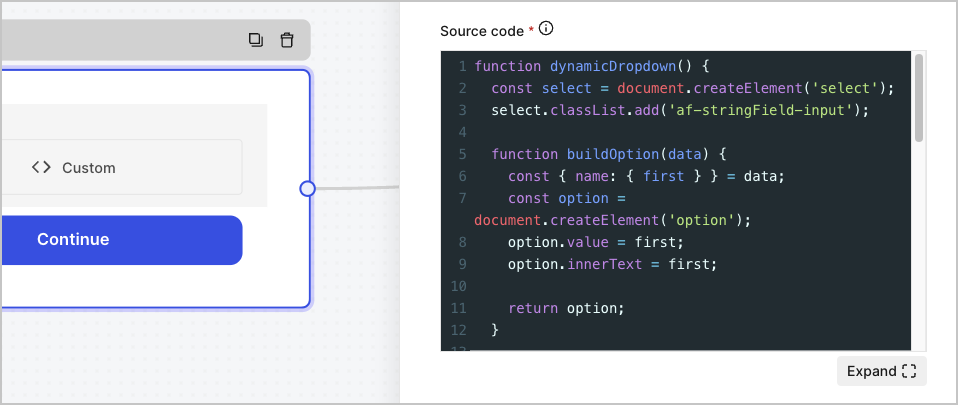
JSON Schema
By default, the custom field accepts any value format. However, you can use JSON Schema to validate values server-side.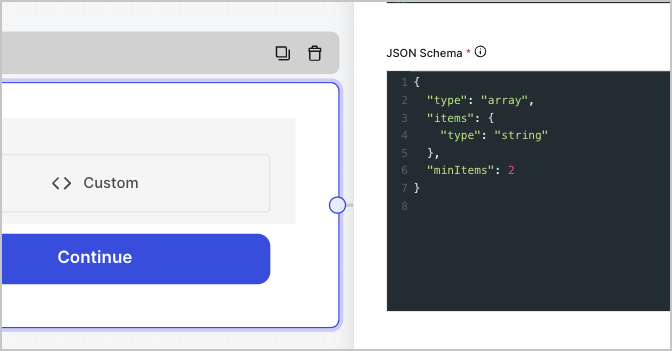
CSS
Add your CSS styles to the custom field.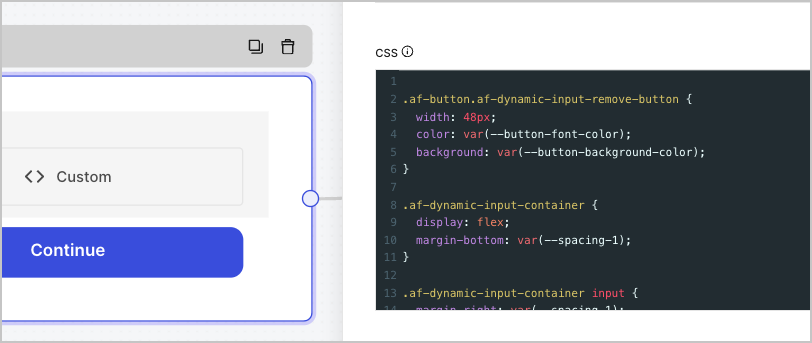
Custom field handlers
You can use these handlers to add custom behavior to the field:init()
Invoked once when the field is created and passes the params values that you configure in the Params settings. Returns an HTML element, string, or no value. Example:update()
Invoked when the user visits the same form step again. This option is useful when you need to re-render UI logic or refresh params values that may have changed.onFocus()
Invoked when focus enters the custom field HTML element.onBlur()
Invoked when focus abandons the custom field HTML element.getValue()
Invoked when the form needs to get the custom field value one or more times. This is typically executed when the user submits the form step. If you need to perform client-side validations, you can throw an error to display a custom error message to the user. Example:block()
Invoked when the custom field must be blocked. This is typically executed when the user submits the form step, and data is being processed to our backend.unblock()
Invoked when the custom field must be unblocked. This is typically executed after the user submits the form step or the data has stopped being processed to our back-end due to a validation error.getScripts()
Returns a list of URLs the form guarantees will have finished loading before theinit() method is invoked.
Example:
Context object
When passing a context object, you can use these methods to handle logic on your form and components.Custom methods
context.custom.getValue()
Receives the value of the current custom field.context.custom.setValue()
Sets a value to the current custom field. Example:context.custom.createUid()
Returns a unique identifier for the current custom field. Example:context.custom.getParams()
Receives the parameters from the current custom field settings.Param values are only available after the form invokes the
init() method.Form methods
When you need to interact with the form to gather values from other fields or navigate to other form steps, you can use the following form methods:context.form.getId()
Returns a unique identifier for the current form.context.form.getRoot()
Returns the root HTML element for the current form.context.form.goForward()
Goes to the next form step.context.form.goPrevious()
Goes to the previous form step.context.form.isValid()
Returns a boolean if the form passes all the client-side validations.context.form.validate()
Evaluates existing field values using client-side validation before continuing. If a field does not pass the validation, an error message will appear.context.form.getAllHiddenFields()
Returns an object with all hidden field values.context.form.setHiddenField(id, value)
Sets a hidden field value.| Parameter | Description |
|---|---|
id | String. The ID of the hidden field. |
value | String. The value of the hidden field. |
context.form.getValues()
Returns an object with all field and hidden field values.context.form.getField(id)
Returns an instance for the specified field.getNode() | trueReturns the root HTML element of the field.getValue()Returns the field value.setRequired(boolean)Sets or unsets the field as required.
| Parameter | Description |
|---|---|
id | *String *. The ID field value. |
setRequired() only sets or unsets the field as required on the client-side. For example, if you unset a field as required, but it was marked as required in your field settings, the form will return an error if the field has no value.Custom field examples
The sections below provide example custom fields you can add to your forms:Range input custom field
A custom field that returns a value from a predetermined range.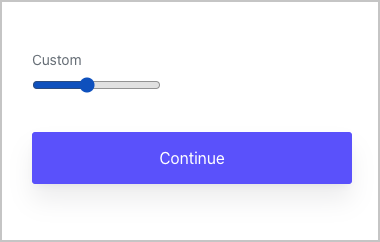
Color input custom field
A custom field that returns a color hex value.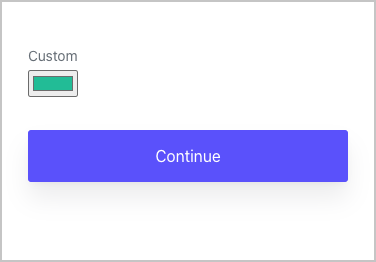
Autocomplete input custom field using values from API
A custom field that returns an autocomplete value using a third-party API.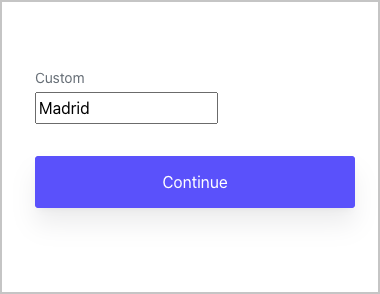
Dynamic dropdown custom field using values from API
A custom field that returns a value from a dynamic dropdown list using a third-party API.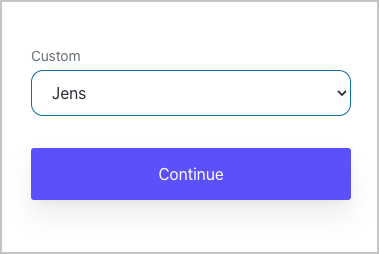
Dynamic input custom field with a (+) button to add more fields
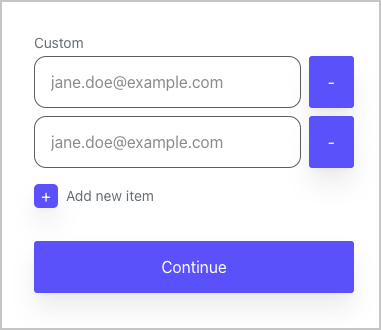
A custom field that allows users to add more fields.