

 Authenticate
 Manage Users
 Customize
 Auth0 AI
 Platform
Use the Dashboard
-
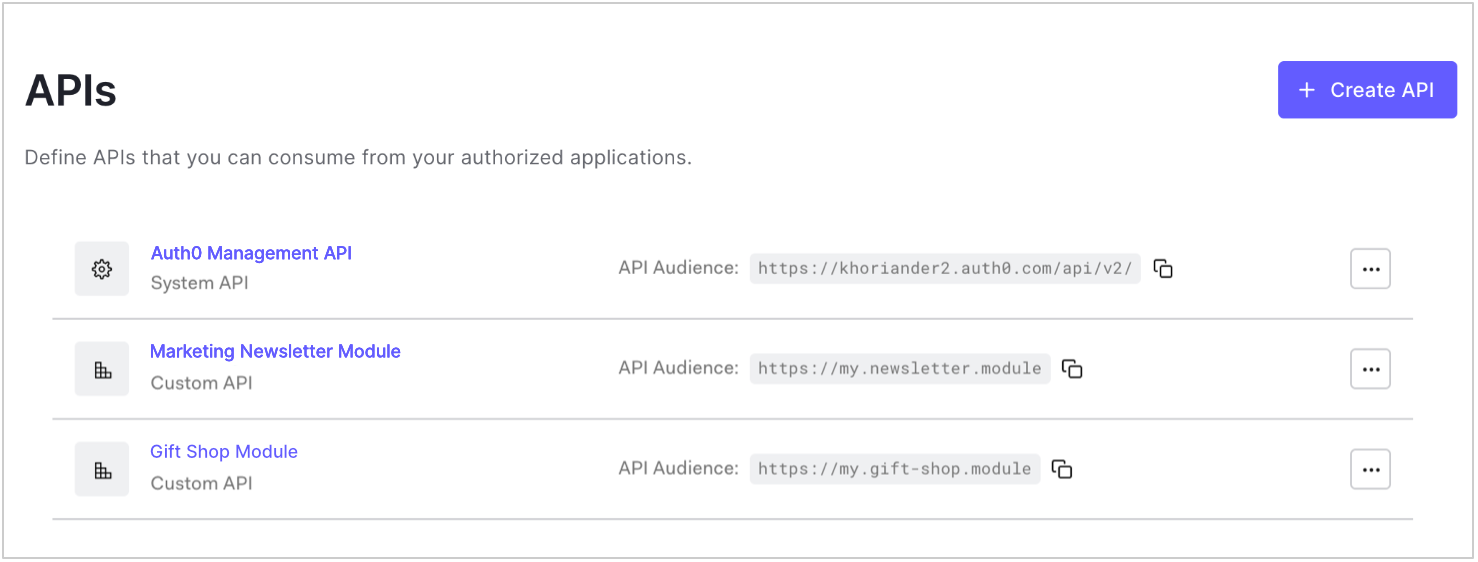
Go to Dashboard > Applications > APIs and click the name of the API to view.
-
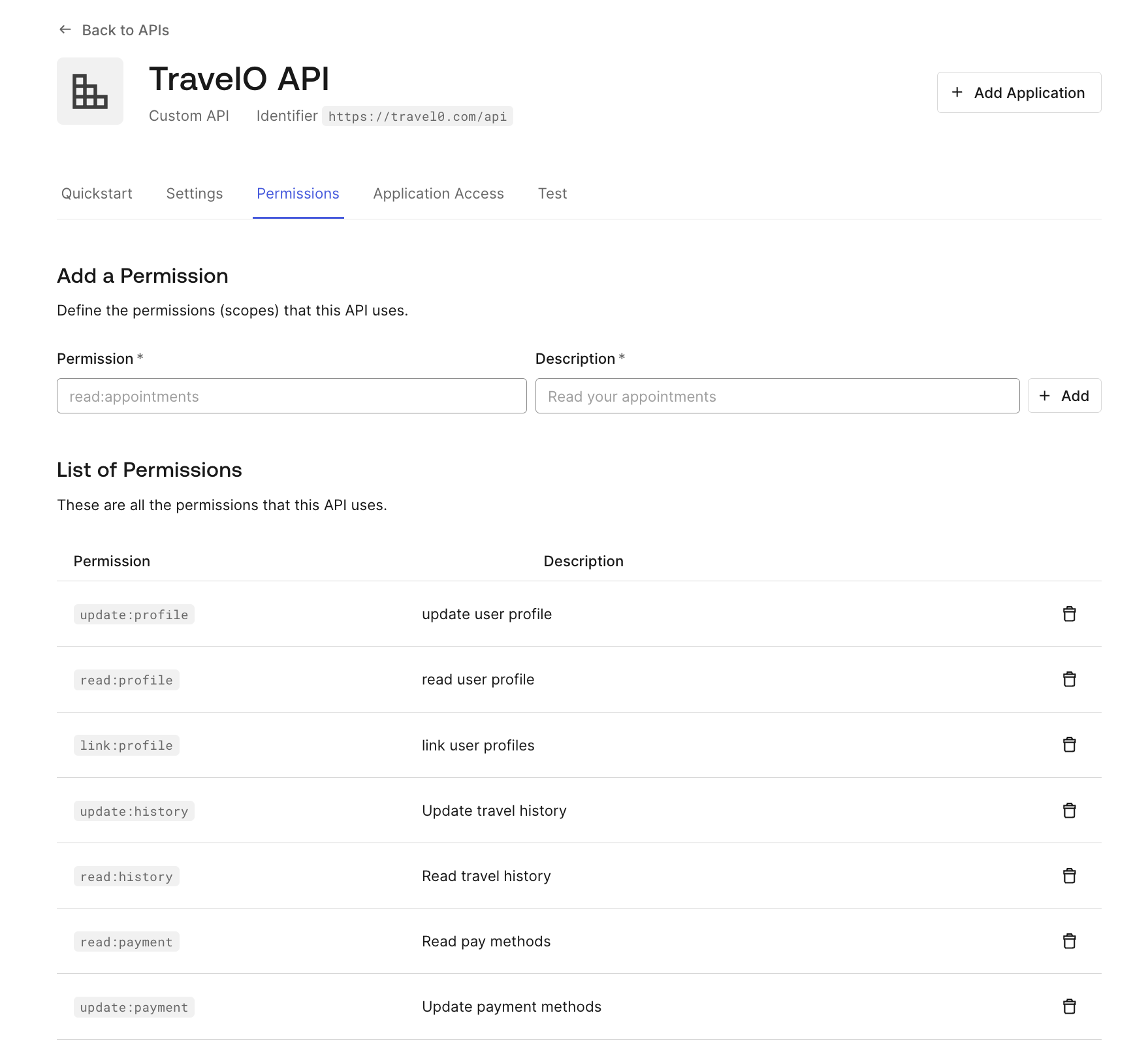
Go to the Permissions tab and click the trashcan icon next to the permission you want to remove and confirm.
Use the Management API
Make a PATCH call to the Update Resource Server endpoint that includes all permissions you want to keep and excludes all permissions you want to delete. ReplaceAPI_ID, MGMT_API_ACCESS_TOKEN, PERMISSION_NAME, and PERMISSION_DESC placeholder values with your API ID, Management API , permission name(s), and permission description(s), respectively.